
Saturday, January 21, 2012
Track Who Unfollows You on Twitter
Do you like this Story?
Twitter users have deep anonymity when it comes to who they unfollow. Keeping a detailed record of your followers’ names to compare when you see your number of followers drop is about the only option for figuring out who unfollows you. Very few people have the time to keep such records.
TwitQuit keeps that detailed record for you, then alerts you when someone unfollows you. Alerts include the name of the person who unfollowed you.

Click the red Sign in with Twitter button to start using TwitQuit.
Enter your Twitter credentials, then click Authorize app.

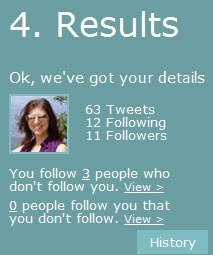
Immediately you will see results on the far right of the page. TwitQuit tells your current number of tweets, plus the number of followers and the number of people you are following.
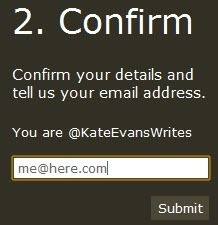
Enter your email address in the black box.
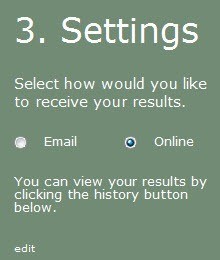
Finally, decide if you want to receive updates on who unfollows you via email or online via the TwitQuit website.
TwitQuit is not magic—it cannot tell you the entire history of who has unfollowed you since the start of your Twitter account. It can only track who unfollows you from the day you create a TwitQuit account. We like the simplicity of this app, and we especially like its overall purpose: to flesh out those who would dare unfollow us under the cloak of anonymity.
Follow me On twitter for daily updates @NoOneIsLikeMe_ And Like On facebook No One is Like Me _

This post was written by: Mitul Narula
Mitul Narula is a Student, blogger, and Web Designer Follow him on Twitter and have a look on his Blogger Profile|Google Plus
Subscribe to:
Post Comments (Atom)

.png "English")









0 Responses to “Track Who Unfollows You on Twitter”
Post a Comment